
The system displays the main Notifications view showing either your notifications list or the 'No Notifications' message
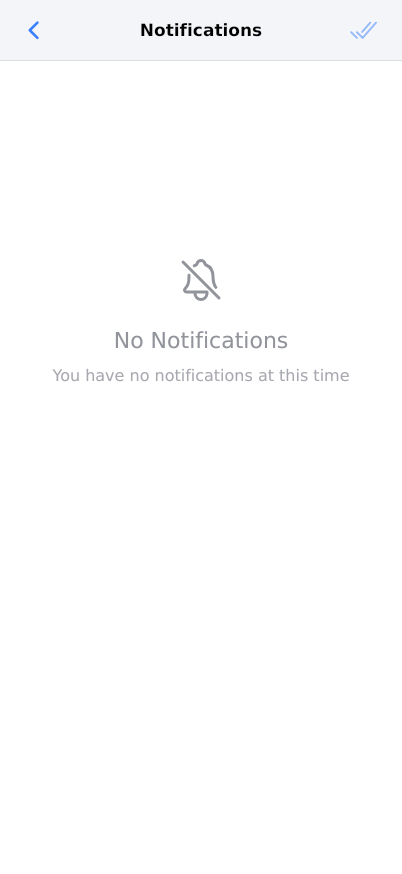
The Notifications Center displays all system alerts and messages for your Reserving account. This view shows when you have no notifications and provides access to notification management features when notifications are present. Use this center to stay informed about reservation updates, system announcements, and important account activities.
Prerequisites
- You must have an active Reserving account
- You must be logged into your Reserving account
- Your account must have appropriate permissions to view notifications
- Your browser must support modern web standards for notification display
Steps
Progress: 0 of 8 steps
1
Navigate to the Notifications Center
2
View the page title 'Notifications'
3
Check the breadcrumb trail showing 'Notificaciones'
4
Read the 'No Notifications' message
5
Review the explanatory text 'You have no notifications at this time'
6
Monitor for notification appearance
7
Return to this page periodically
8
Use browser navigation to return to previous sections
Interactive States
Empty Notifications State
This state appears when there are no notifications in your account. It displays a centered message indicating no notifications are available and provides clear feedback that the system is functioning normally.
- Periodic checking for new notifications
- Navigation to other sections of Reserving
- Monitoring for automatic notification updates
Tips
- Check the Notifications Center daily to stay informed about reservation updates and system announcements
- The empty state is normal and indicates all notifications have been addressed or no new activity requires attention
- Notifications are automatically generated based on reservation activities and system events
- Use the breadcrumb navigation to easily return to previous sections of the application
- Bookmark this page for quick access to your notification history and updates
Warnings
- Do not ignore notifications as they may contain time-sensitive information about reservations
- Empty notifications state does not indicate system errors - it's a normal operational state
- Ensure your browser notifications are enabled if you want desktop alerts for new notifications
- Some notifications may expire or become unavailable after certain time periods
- Always verify important notification details in the corresponding reservation or account sections
Troubleshooting
FAQ
What types of notifications does Reserving send? Reserving sends notifications for reservation confirmations, updates, cancellations, system maintenance announcements, and important account activities that require your attention.
Why do I see 'No Notifications' when I expect to see messages? This is normal and indicates that either all your notifications have been addressed, no new system events have occurred, or your notification filters are set to exclude certain message types.
How often should I check the Notifications Center? We recommend checking daily to stay current with reservation updates and system announcements, or more frequently if you have active reservations requiring attention.
Can I receive notifications outside of the Reserving application? Yes, Reserving can send email notifications for important events. Check your account settings to configure your notification preferences.
What does the breadcrumb 'Notificaciones' mean? 'Notificaciones' is Spanish for 'Notifications' and shows your current location in the application navigation hierarchy, helping you understand where you are within Reserving.
How long do notifications remain in the system? Notification retention periods vary by type, but most notifications remain accessible for 30-90 days depending on their importance and relevance.